Analyze your Tibia stash
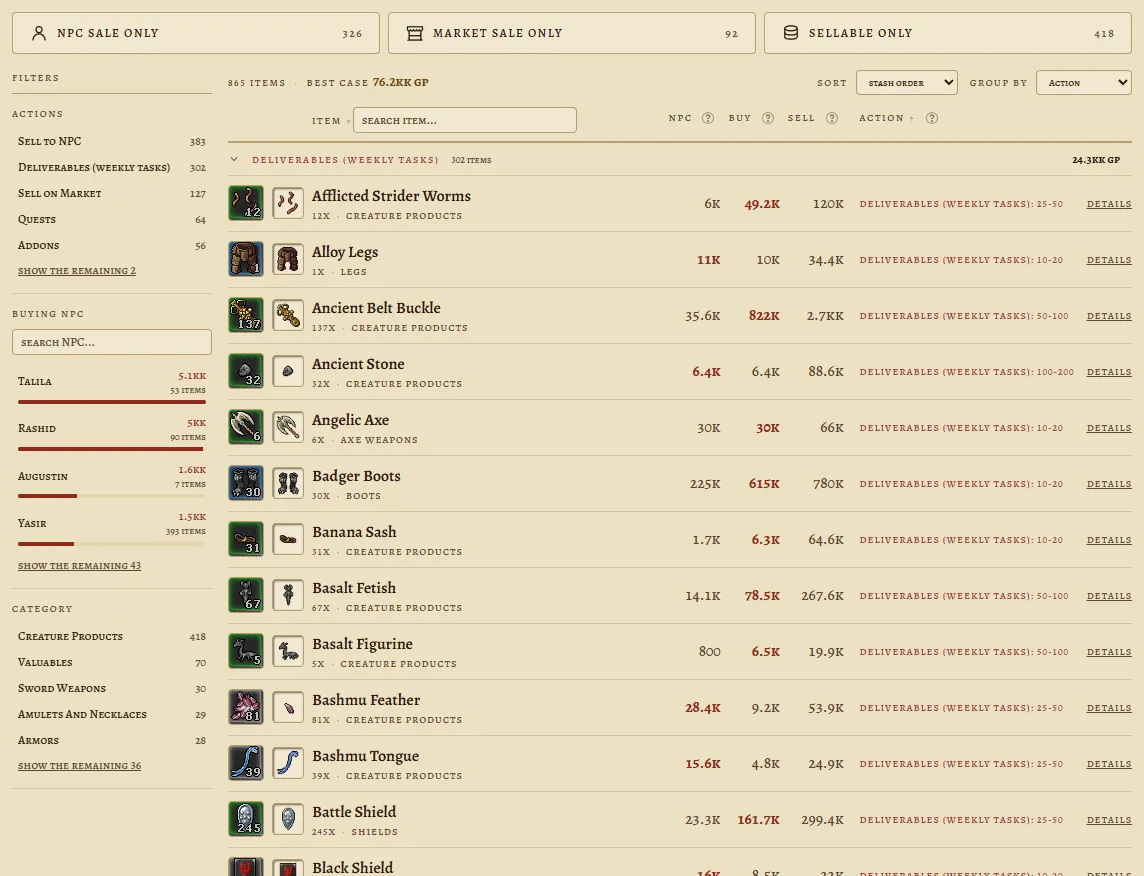
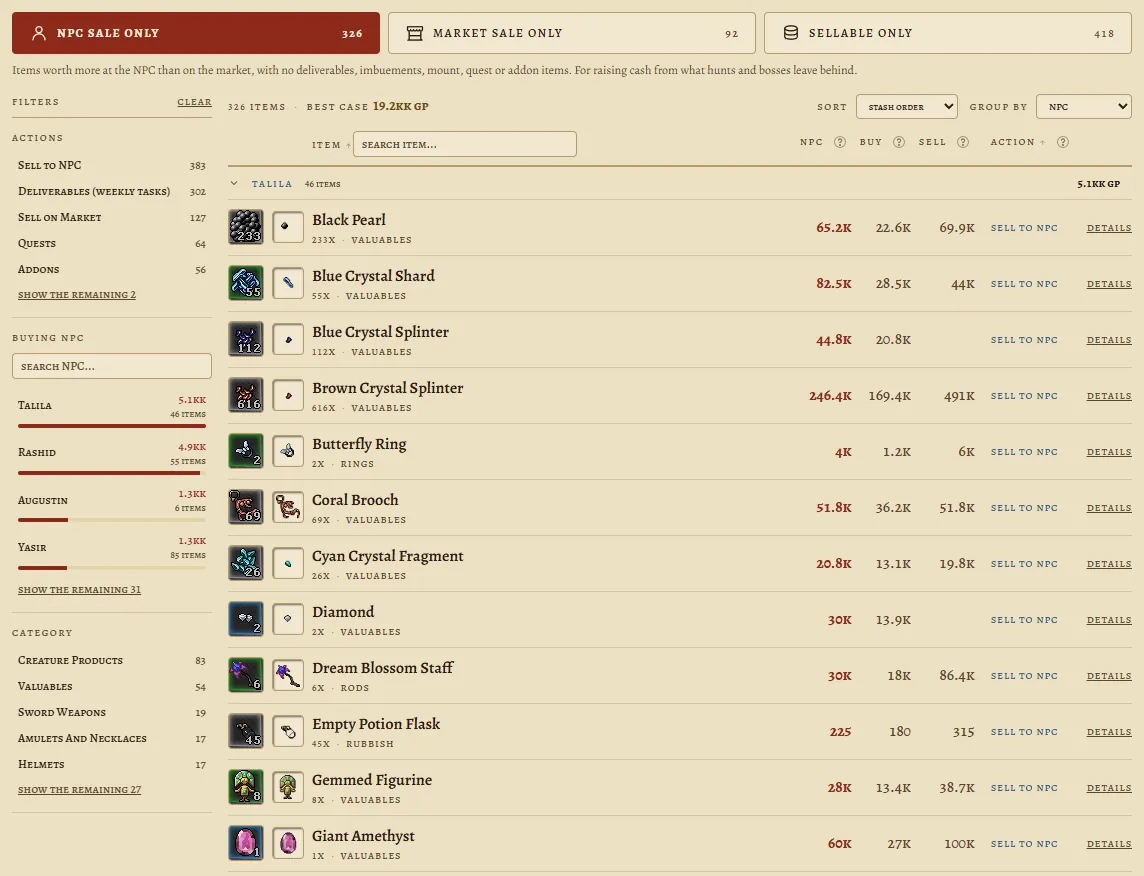
Upload a screenshot of your Stash window and get, for every item, its value and the best action: sell to an NPC, sell on the market, or keep it because it is still good for an imbuement, a quest, a mount, an outfit addon or a weekly task.
Drag your stash screenshots here, or pick the files.
Up to 12 screenshots per analysis. They may overlap, duplicates are dropped automatically.
Pick your character world to run the analysis.
How to take the screenshot in Tibia
- Bind the screenshot key. In the client, open Options > Controls > General Hotkeys, find Misc: Take Screenshot, pick a free key and click Apply.It ships with no default key, and the binding is per hotkey preset. If you switch presets per character, bind it in the preset you will use.
- Turn off the game-window-only capture. In Options > Screenshots, untick Only Capture Game Window. Ticked, Tibia saves the map alone: the Stash window is left out of the screenshot, and the analysis is refused for not finding it.
- Open the Stash and sort by Name (A-Z) in the window selector. It is what improves recognition the most.
- Press the key. Tibia saves a PNG at original size, with no on-screen notice.
- Scroll the stash and repeat until the end of the list. They may overlap: duplicates are dropped automatically.
- Open the screenshot folder. Paste it into Win+R or the Explorer address bar:
%LOCALAPPDATA%\Tibia\packages\Tibia\screenshotsSort by date. Yours are the most recent..._Character_Hotkey.pngfiles. - Drag the files here, the originals, straight from the folder.Going through WhatsApp or Discord shrinks the image and the analysis is refused. If you have to send it that way, choose to send it as a file/document.
What the result looks like
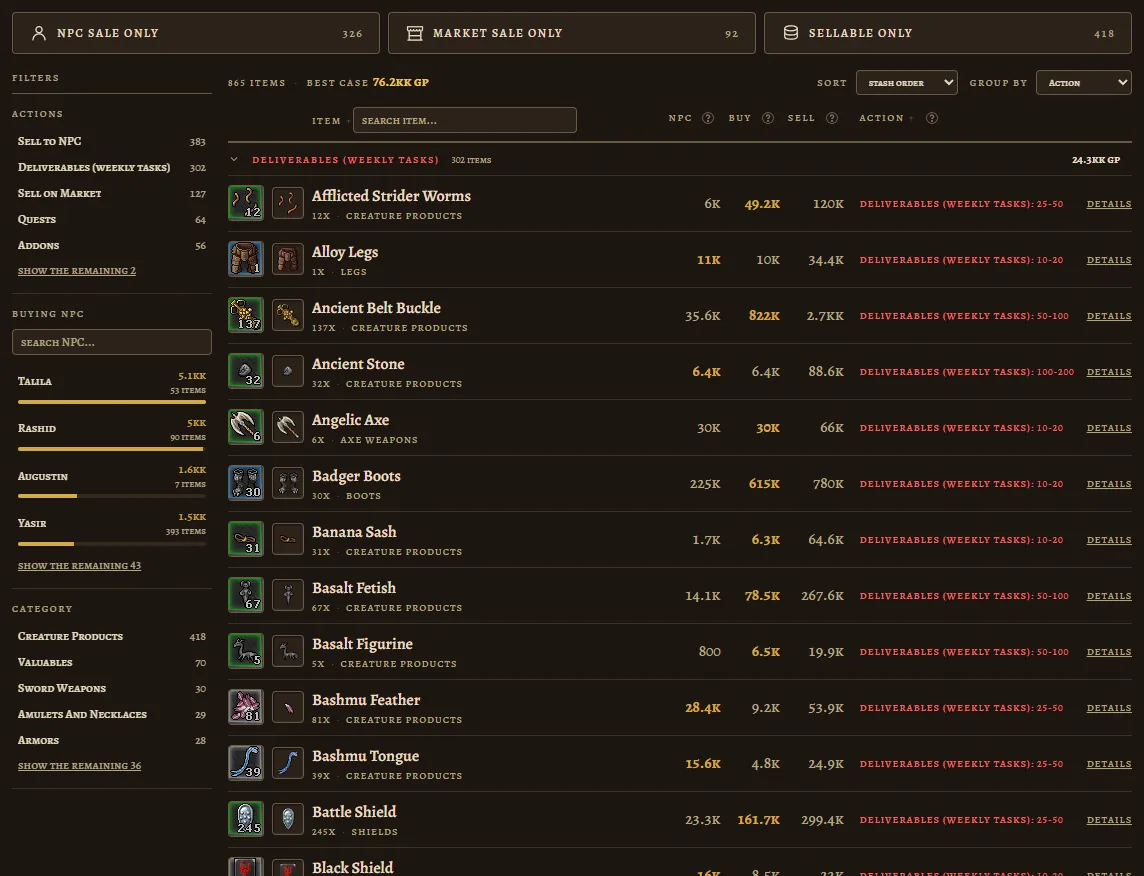
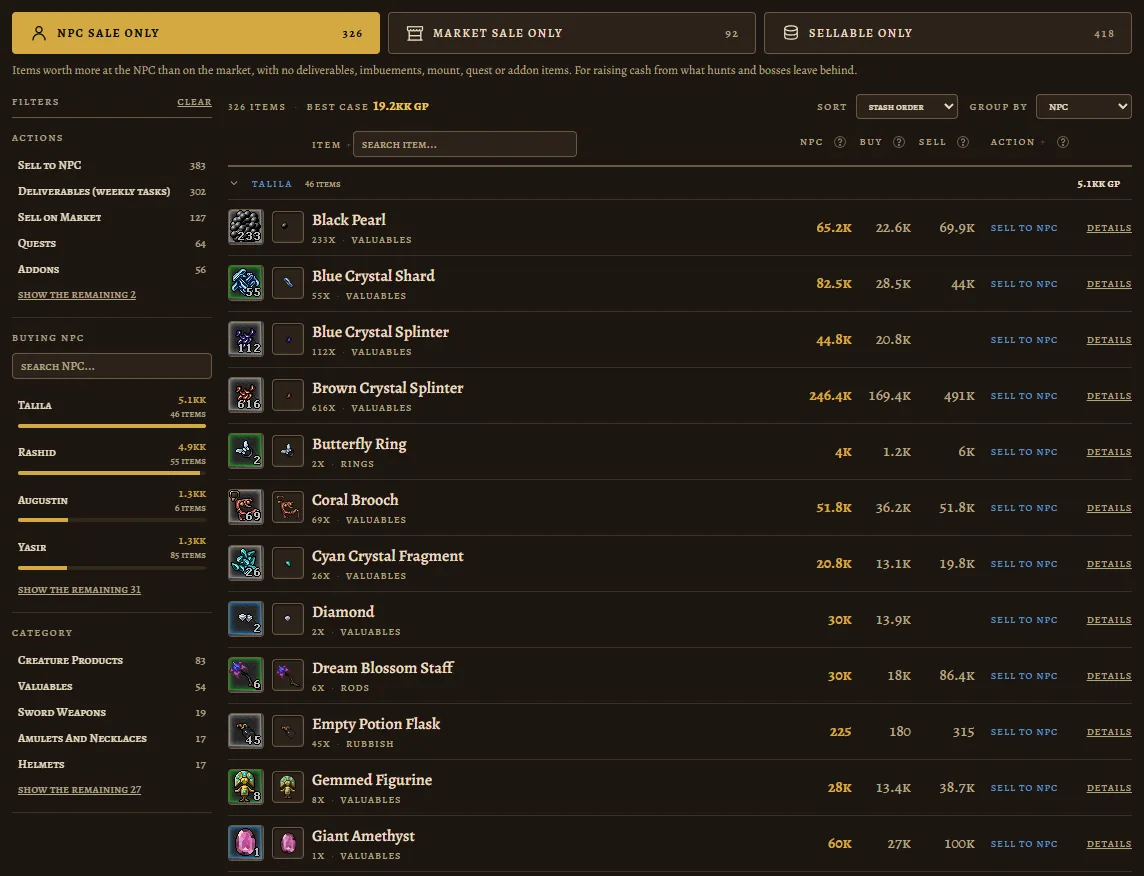
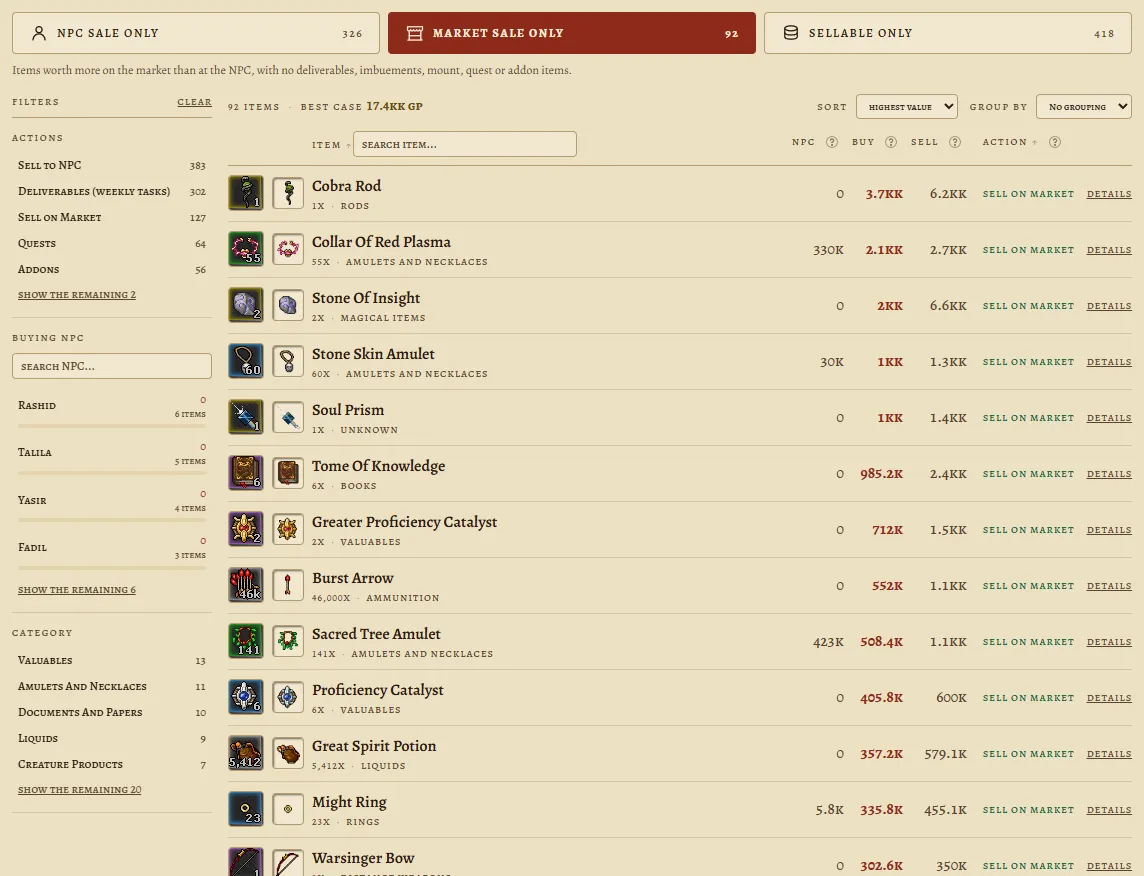
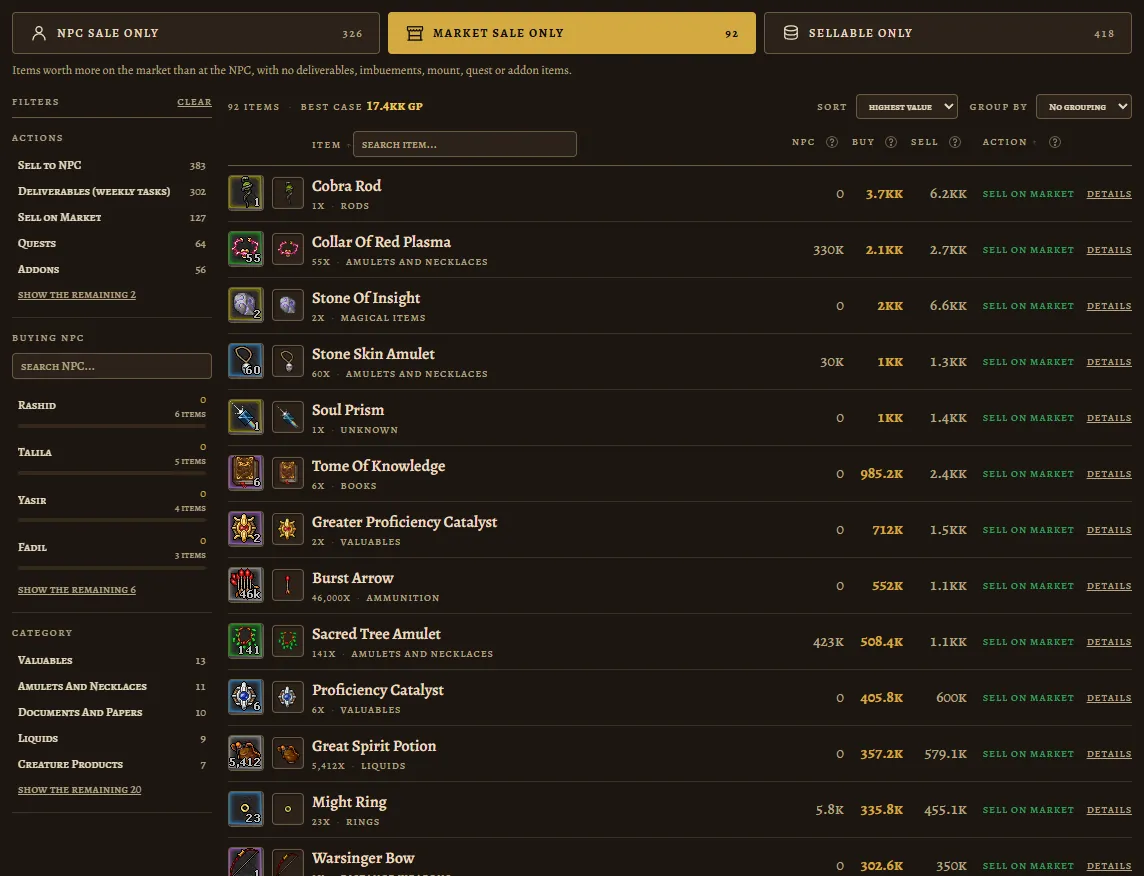
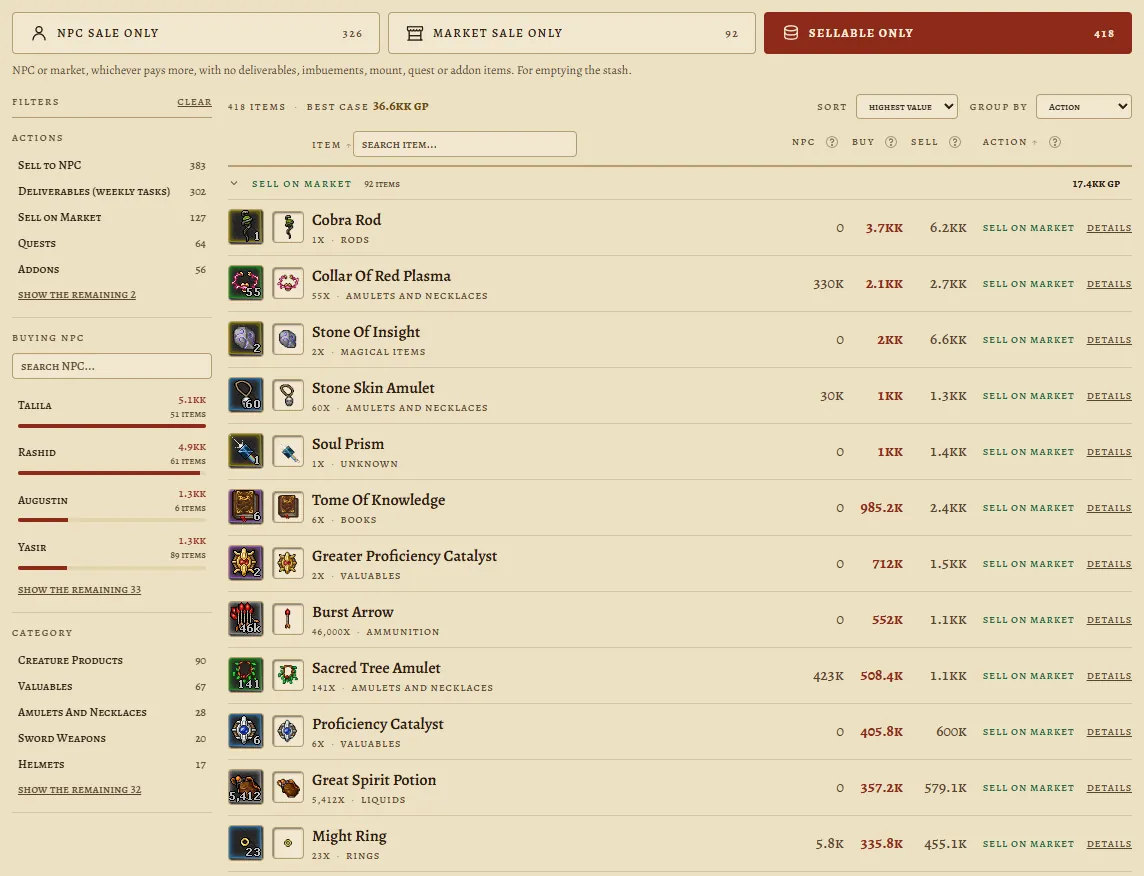
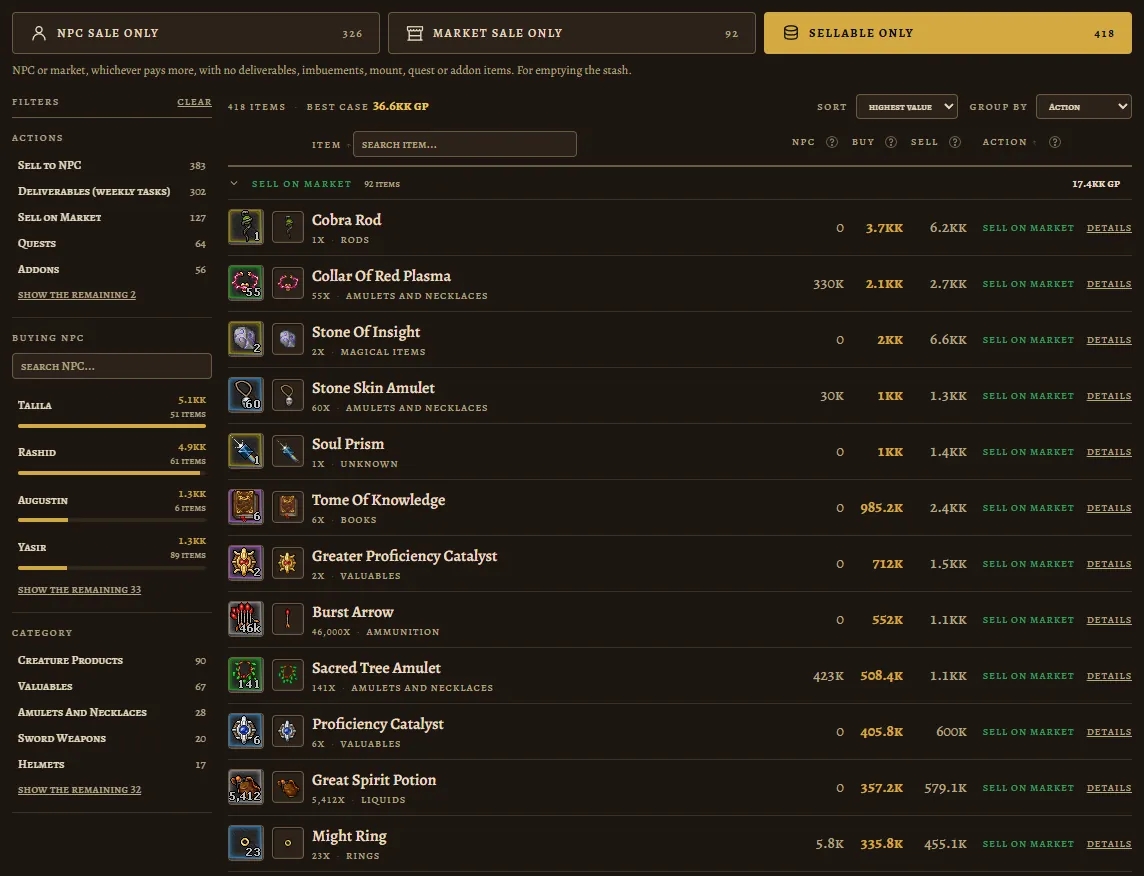
Rucu Cucu Og's stash, 865 items, on the results screen in four modes. Swipe or use the buttons.
1 of 4
The Tibia Stash
What the Supply Stash is, how it works, how much fits in it, and what players actually keep inside.
What players keep
The 30 items that show up most in the stashes uploaded to this site. Each row says in how many stashes the item appeared, summed across every world. This is not a sample of the whole game, it is what came through here.
- bat wingin 94 stashes
- green piece of clothin 92 stashes
- bear pawin 89 stashes
- black pearlin 88 stashes
- berserk potionin 87 stashes
- cultish robein 87 stashes
- coalin 86 stashes
- blue gemin 84 stashes
- iron orein 84 stashes
- blue crystal shardin 83 stashes
- brown mushroomin 82 stashes
- green gemin 81 stashes
- orichalcum pearlin 81 stashes
- soul orbin 81 stashes
- blazing bonein 80 stashes
- brown crystal splinterin 79 stashes
- essence of a bad dreamin 79 stashes
- fiery heartin 79 stashes
- brown piece of clothin 78 stashes
- onyx chipin 78 stashes
- bullseye potionin 77 stashes
- club ringin 77 stashes
- deepling ridgein 77 stashes
- blank runein 76 stashes
- demonic skeletal handin 76 stashes
- fish finin 76 stashes
- gold ingotin 76 stashes
- red gemin 76 stashes
- gooey substancein 75 stashes
- hardened bonein 75 stashes
Frequently asked questions
- What is the Tibia Supply Stash?
- It is a store for stackable items inside the Depot. It keeps every item in a single pile no matter the amount, and it has search by name plus the same category filters the Market and the Cyclopedia use.
- Do I need Premium to use the stash?
- To stow items, yes. To take items back, no: whatever is already in there stays reachable after Premium runs out, so nothing gets locked away.
- What can be stowed in the stash?
- Stackable items only. Equipment, containers and anything that does not stack stay in the regular Depot Box.
- Does the stash have a limit?
- What sits in the stash counts towards the Depot item limit, in blocks of 100 units. The limit is 2,000 items on a free account and 15,000 on a Premium one.
- How do I find out what my stash is worth?
- Take a screenshot of the Stash window and upload it here. Every item comes back with its NPC and Market value, and with the recommended action: sell, or keep because it still serves an imbuement, a quest, a mount, an addon or a weekly task.